You already know the em dash is a dead giveaway of AI writing (sorry, Ann Handley). Design has its own tells, and there are a lot of them.
None of them is wrong on its own. A good writer can use an em dash on purpose, and a good designer can use any pattern below on purpose. They become a tell when they show up because nobody chose them.
That happens because AI tools reach for whatever showed up most often in the work they learned from. Ask for a landing page, and you get the average of every startup site at once. Here are the 13 defaults I see most often.
Pink-purple AI gradients
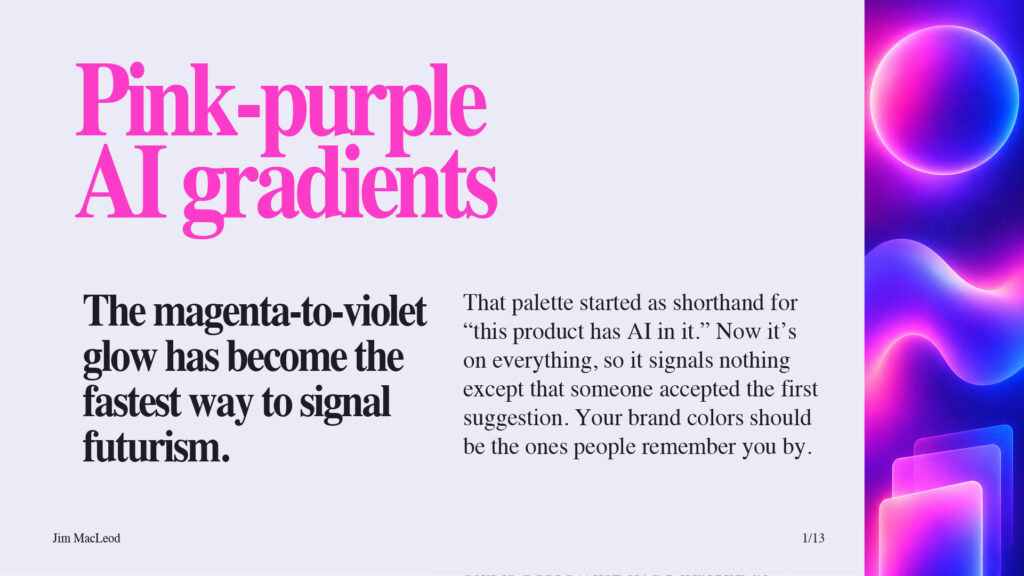
Pull up the homepages of a few AI startups and count the magenta-to-violet glows. If your palette would blend into that lineup, start from your own brand colors and save gradients for places where they do a job.
The startup-hero formula
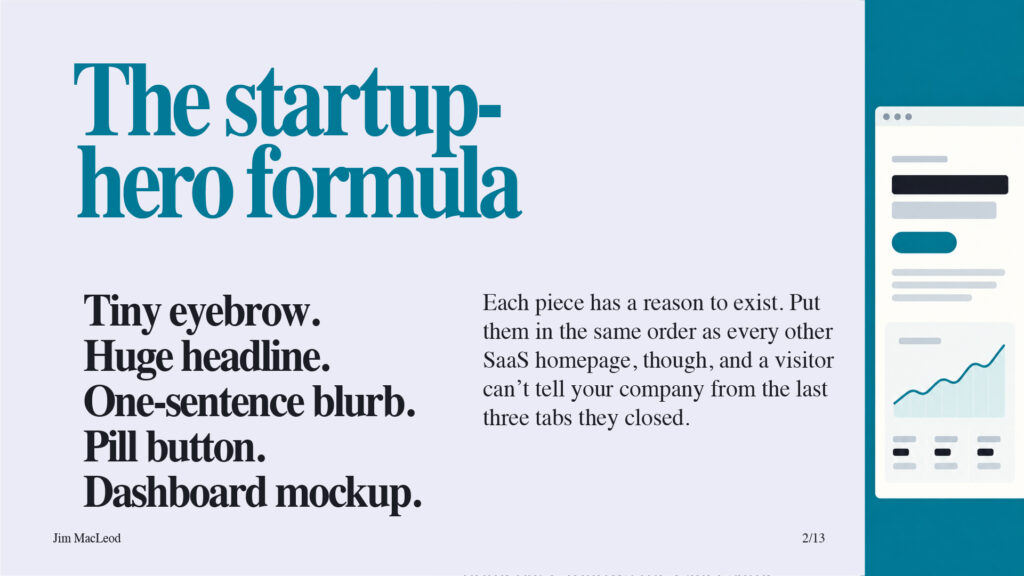
Cover the logo on your homepage and ask a colleague whose company it is. If they can’t tell, build the hero around something only you have, like a real customer quote or an actual product screen.
Decorative partial card borders
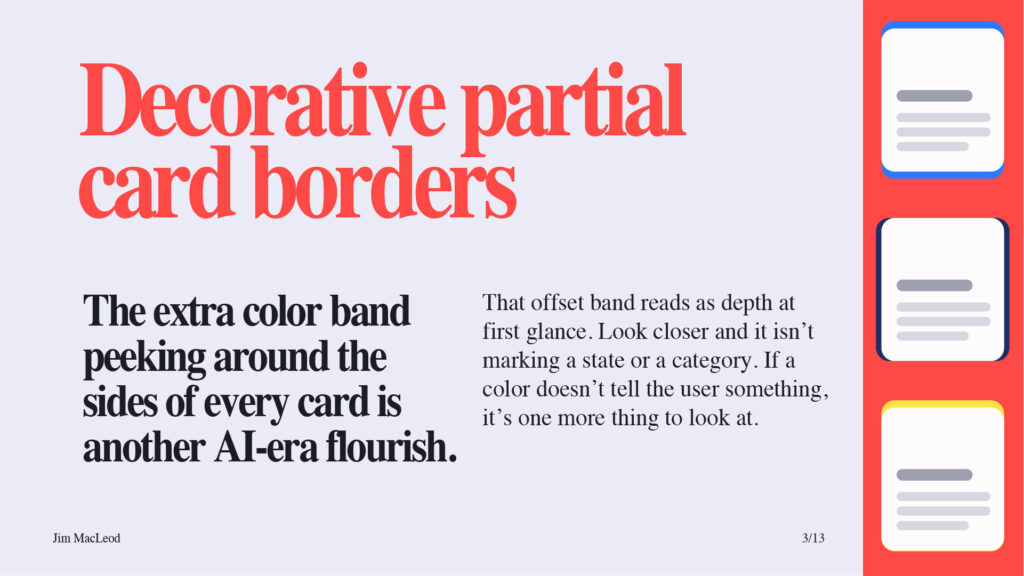
When you see a colored band on a card, ask what it means. If the colors mark something real, like a status or a category, keep them consistent. If they’re just there, take them off and see if anyone notices.
Generic typefaces
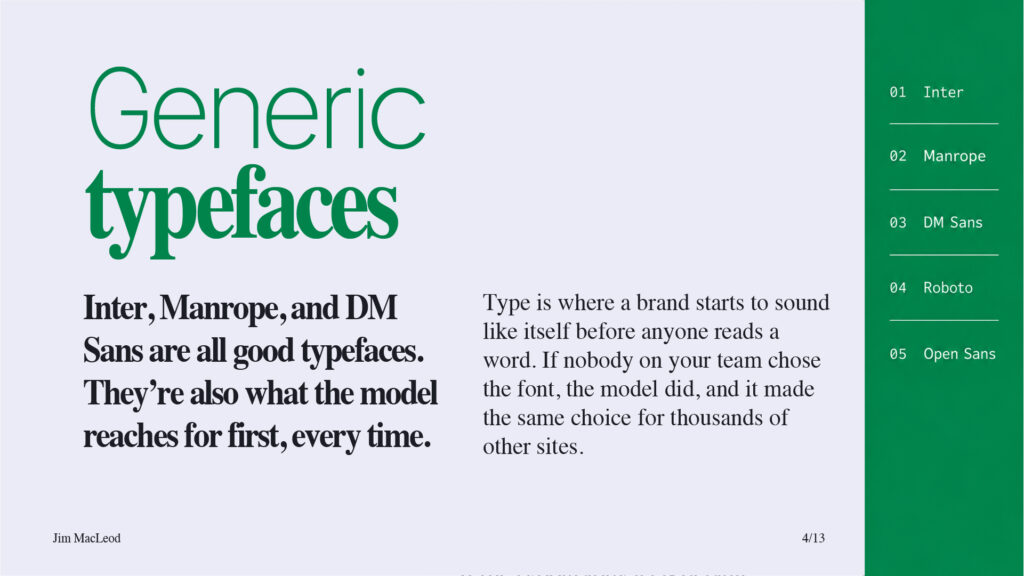
Fonts like Inter, Manrope, and DM Sans keep showing up because they’re the clean, safe choices built into the templates AI draws from, so they’re what you get when nobody asks for anything else. (Roboto and Open Sans have been web defaults for over a decade, so they say “default” more than “AI.”) Pick a headline face with some character, pair it with a readable body font, and write the choice down so every tool uses it, including the AI. Consistency is more important than creativity. Just make sure it’s your brand you’re being consistent with.
Bento grids everywhere
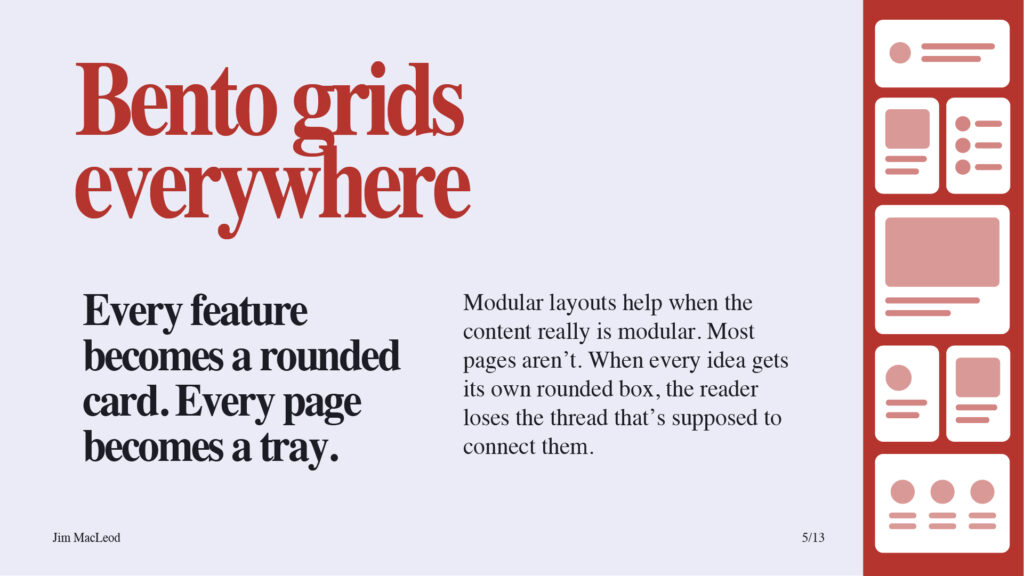
Read the section out loud before you build the grid. If the ideas build on each other, write them as a sequence. Save the grid for features a reader will scan and compare.
Little action lines
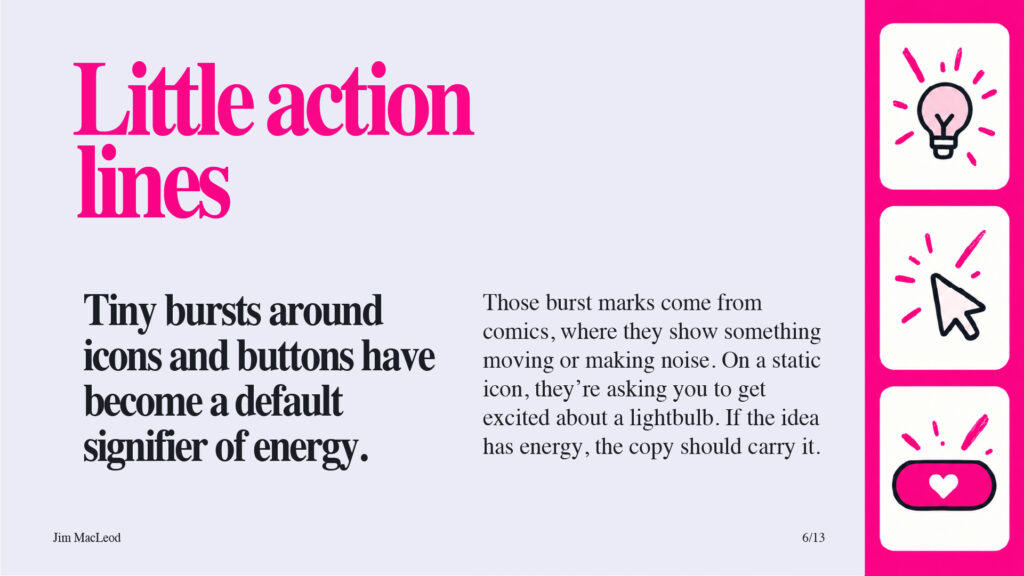
Delete the bursts and look again. If the icon or button suddenly feels flat, the fix is usually in the copy next to it.
Monospaced eyebrow text
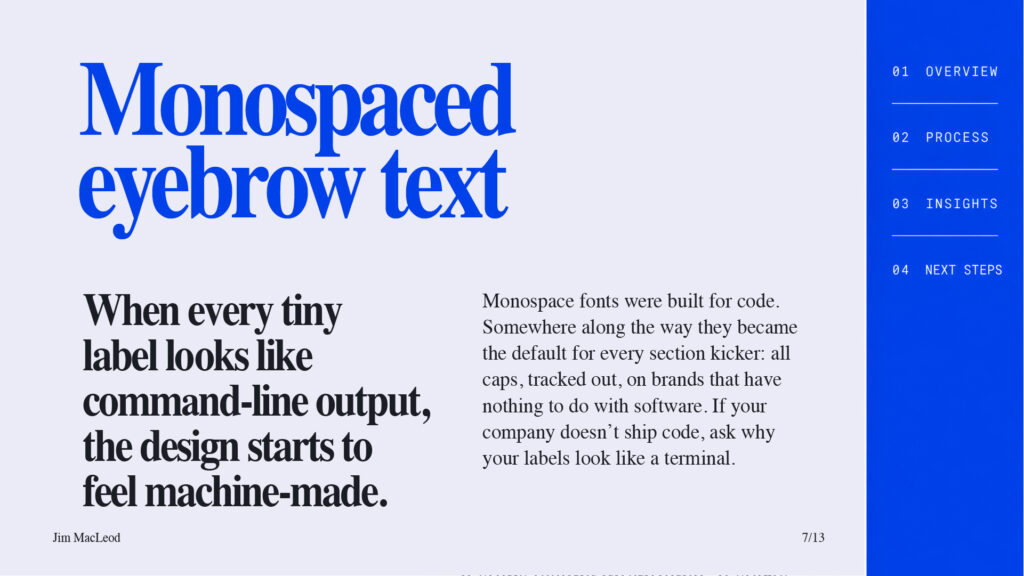
A small label above a section helps readers find their place. Set it in your brand’s own typeface, at a size and weight that fit the rest of the page, and it’ll do that job without making your site look like a developer tool.
One word in color
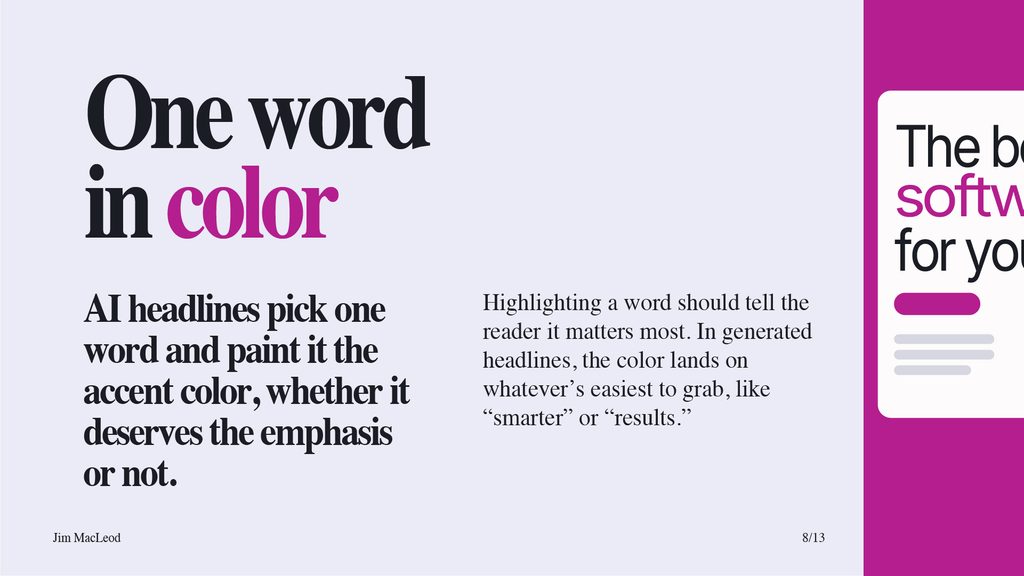
If you highlight a word, pick the one you’d stress if you read the headline out loud. If no word stands out when you say it, leave the whole headline one color.
Hand-drawn circles and squiggles
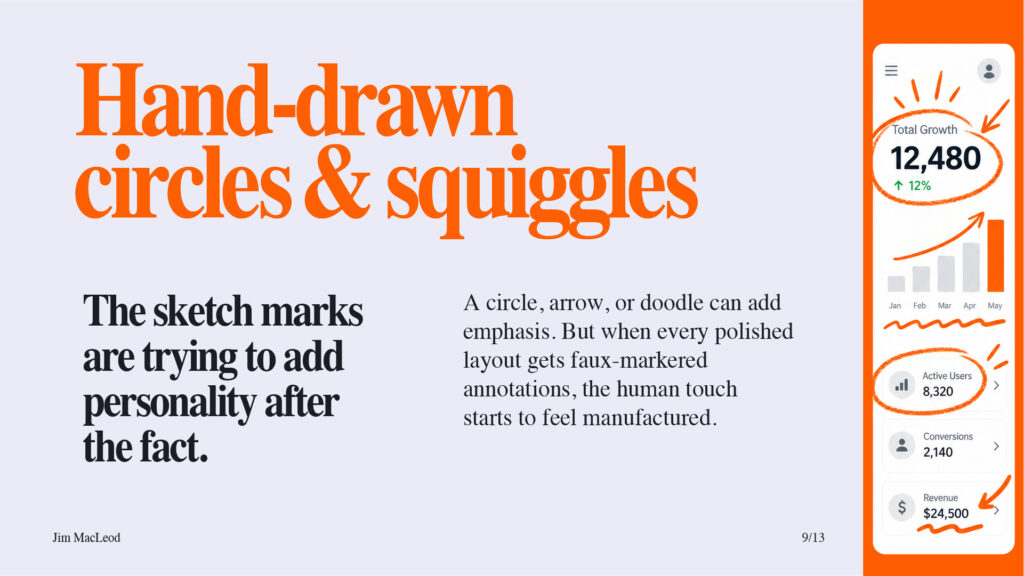
Annotation works when it looks like a person reacting to one specific thing, like a note in the margin of a real chart. Circle every number on the page, and none of them stand out.
Everything is rounded
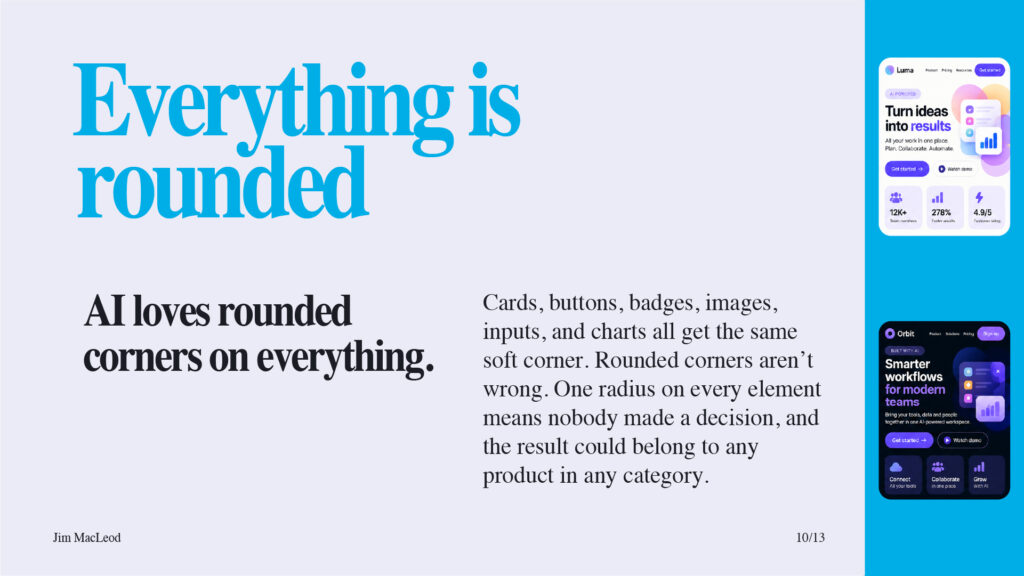
Decide on corners the way you’d decide on color. Sharp corners everywhere read as precise and serious. Rounding only the things you can click, like buttons and inputs, teaches people what they can touch. Either works, as long as someone decided.
Jagged brush-script headlines
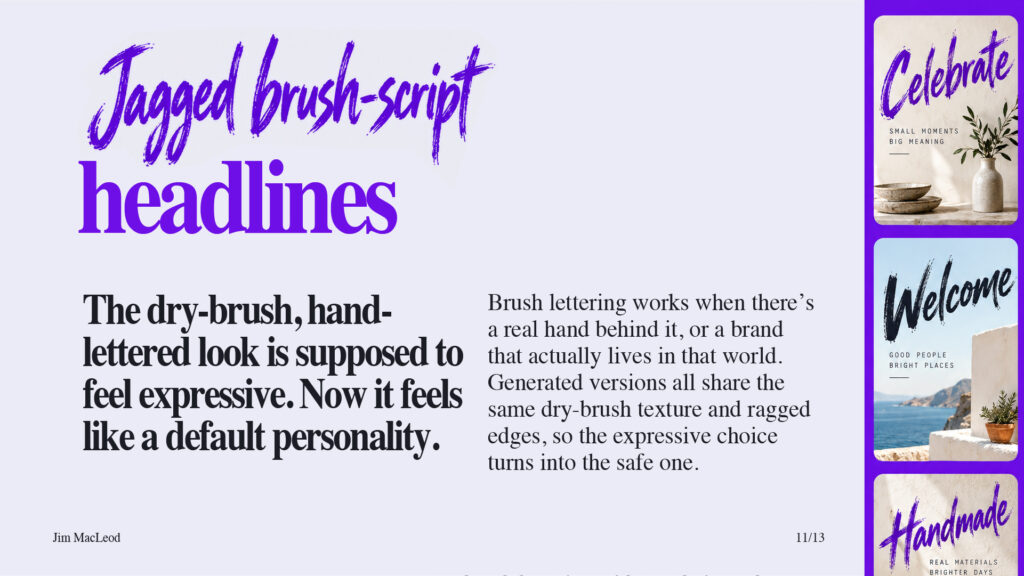
If your brand has a real reason for hand lettering, hire a letterer or license a typeface designed for hand lettering, and use it sparingly. If it doesn’t, a confident serif or sans will carry more personality than borrowed texture.
Decorative little dashes
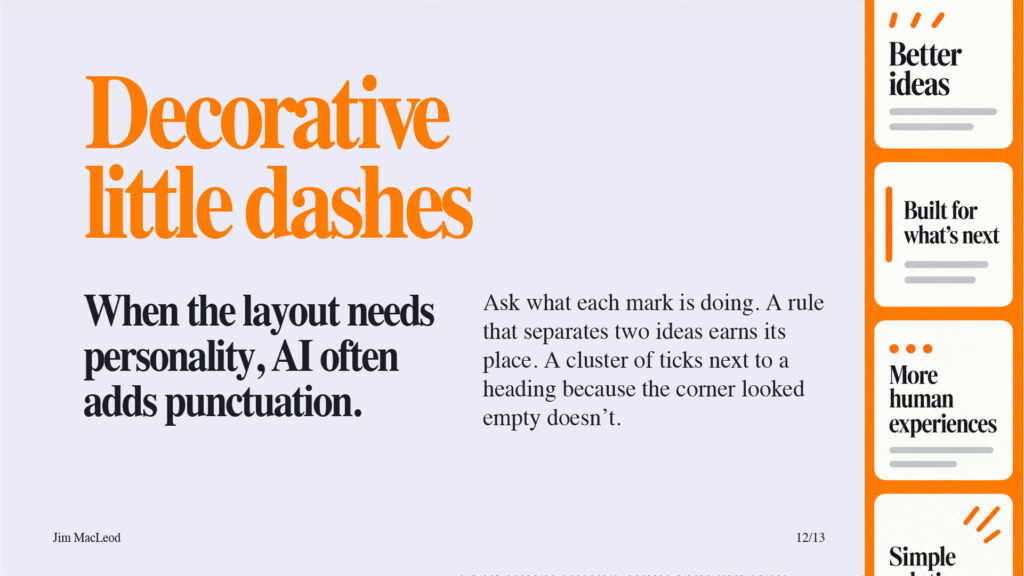
This is the closest thing design has to the em dash, so use the same test you’d use on copy. If you delete a mark and nothing is lost, it didn’t need to be there.
No room to breathe
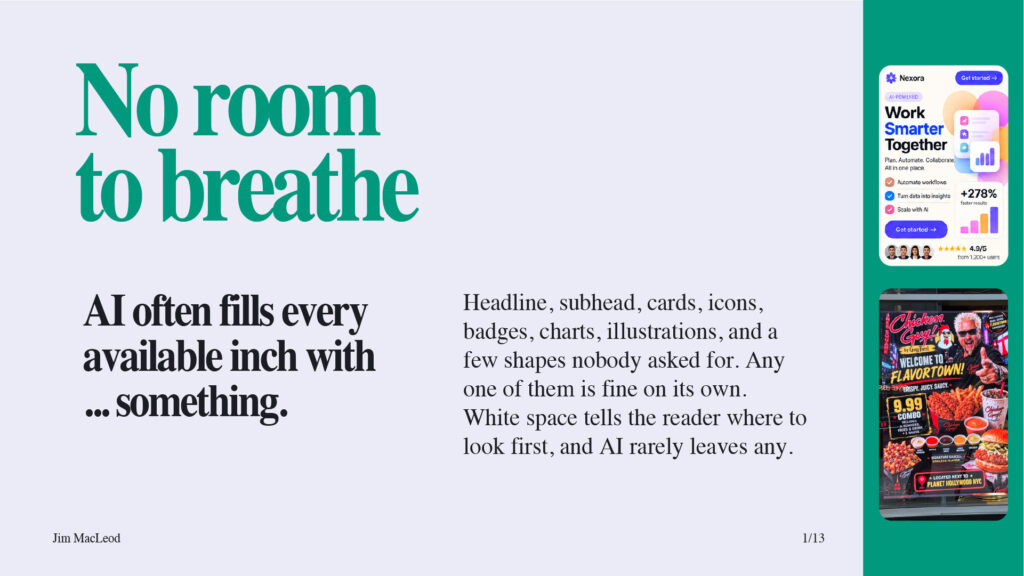
Try removing one element from every section. The page usually gets easier to read, and the thing you most wanted people to see finally gets their attention.
How to catch these before you publish
The tricky part is some of these were good design tips until the last year or two. Now they’re used too often because the AI models are trained on certain designs and regurgitate these styles for everyone.
AI won’t flag its own defaults, so the check is on you. Open the last thing you made with AI’s help and count how many of these made it in. Pick the one that bothers you most and change it on purpose.
Which of these do you see most often? And which one did I miss?
P.S. If you’re not a designer, The Visual Marketer teaches the basics you need to judge what AI gives you and know what to change. You can find it at VisualMarketer.co or Amazon.